- USC's Makai Lemon starts strong: The top wide receiver on Trevor Sikkema’s big board averaged 7.5 yards per true route and gained five or more yards on all seven of his receptions.
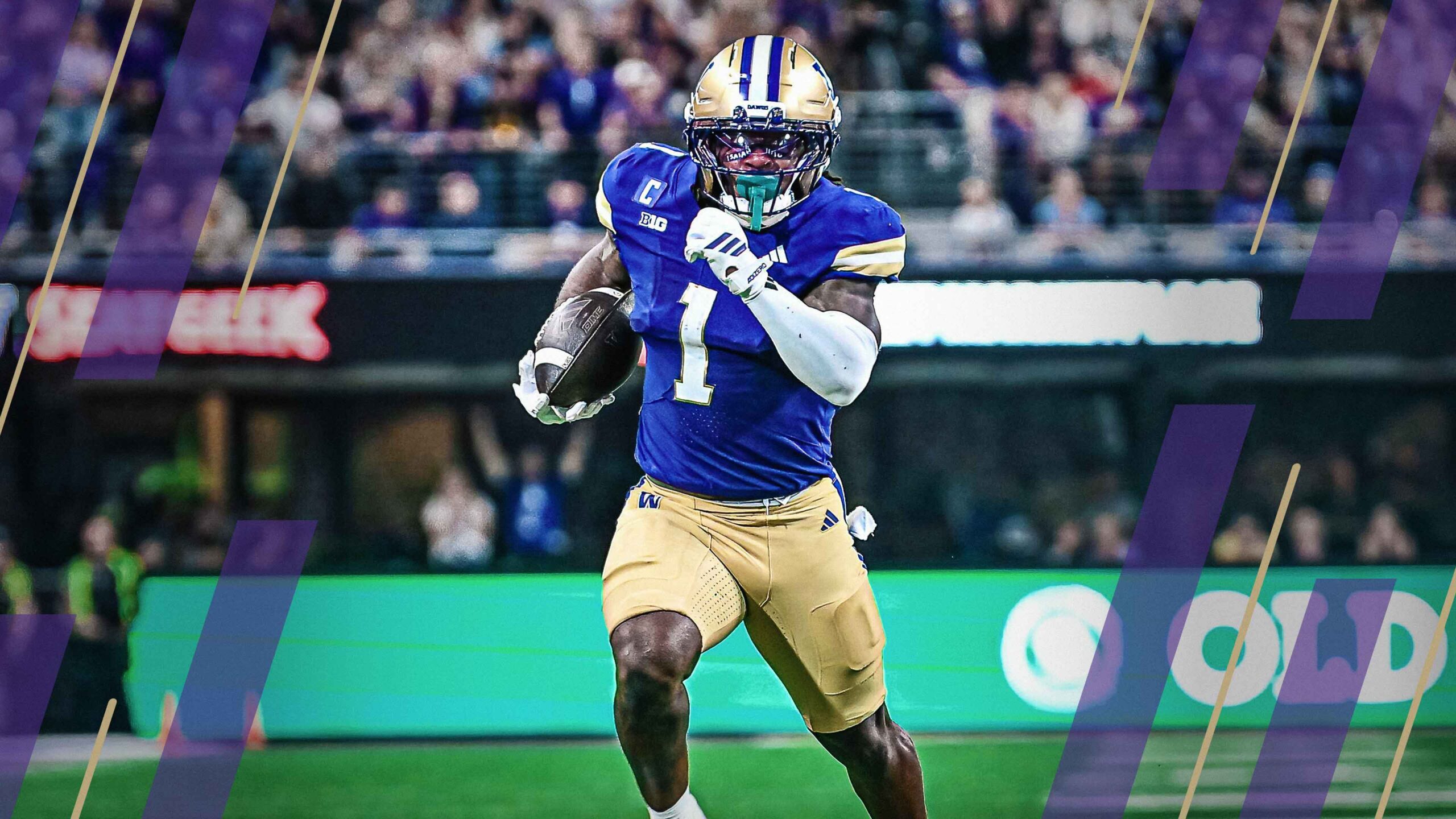
- Jonah Coleman dominates for Washington: Coleman led all FBS running backs with seven runs of 10 or more yards and gained 149 yards after contact.
- Subscribe to PFF+: It’s quick and easy. You’ll unlock industry-leading rankings, unlimited Fantasy Mock Draft Simulator use, the PFF Live Draft Assistant and our weekly Start/Sit Optimizer. It’s time to win.
Estimated Reading Time: 10 minutes

This interactive tool brings together football snap counts, dropbacks, carries, targets per route run, alignment (slot/wide/tight/backfield) data, average target depth, time to throw, situational splits (red zone, third down, garbage time), fantasy production and defense faced — all in one place. It’s built for fantasy football, DFS, betting props and matchup research across both NFL and college football.
Unlike static tables, everything here is click-to-sort and filterable. Sticky headers, compact layouts and column definitions (tap the column name) make it easy to answer questions like:
- Which running back led in early-down snaps and attempts?
- Which wide receiver ran the most true routes and earned the highest targets per route?
- How did a quarterback’s average depth of target and time to throw change week to week?
- What coverages did a team face, and who produced against single coverage?
How to use the tool
- Choose your lens
Use Pick a Player, Pick a Team or Pick a Position (QB/RB/WR/TE) to focus the tables. - Set your timeframe
Tap the Week buttons to include/exclude weeks. The tables update instantly. - Totals vs. Percentages vs. Both
Use the Show Totals / Show Percentages / Show Both toggle to switch between raw counts (e.g., carries, dropbacks) and share-of-team metrics (e.g., targets per team dropback).
Tip: Key volume stats, such as attempts, remain visible in percentage view for context. - Filter out noise
Add a minimum snaps threshold to hide small samples. - Sort to find answers
Click any column header to sort — e.g., sort wide receivers by true routes per pass play, running backs by avoided tackles per attempt or quarterbacks by sack rate. - Tap column names for definitions
Every header is clickable. Get concise explanations for snap percentage, true routes, open rate vs. single coverage, average depth of target, time to throw and more. - Team-only views
All categories have a team table that rolls up position groups so you can scan a depth chart’s usage profile at a glance. - Mobile friendly
Use the mobile layout toggle to fit the most critical columns on smaller screens.
What you can learn here
- Participation and role: snap counts by situation (early/late downs, two-minute drill, short yardage, goal line, garbage time).
- With the ball: carries, targets, true routes and dropbacks, plus rates like targets per true route.
- Receiver and quarterback details: alignment, motion, average depth of target, time to throw, first-read and checkdown usage.
- Production: rushing/receiving efficiency, explosive plays, touchdown-to-interception rates and fantasy points.
- Defense faced: man versus zone, press, disguised coverage, double coverage and help coverage.
Whether you’re setting waiver priorities, building DFS lineups or scouting opponents, this football snap counts and usage hub gives you the context that box scores miss — and fast. Dive in and click a few headers, and you’ll see why this can become a go-to workflow for analysts and fantasy players alike.

 © 2026 PFF - all rights reserved.